Seven shawts, live
A ring of seven, the total time, this shawt and how far the line is.
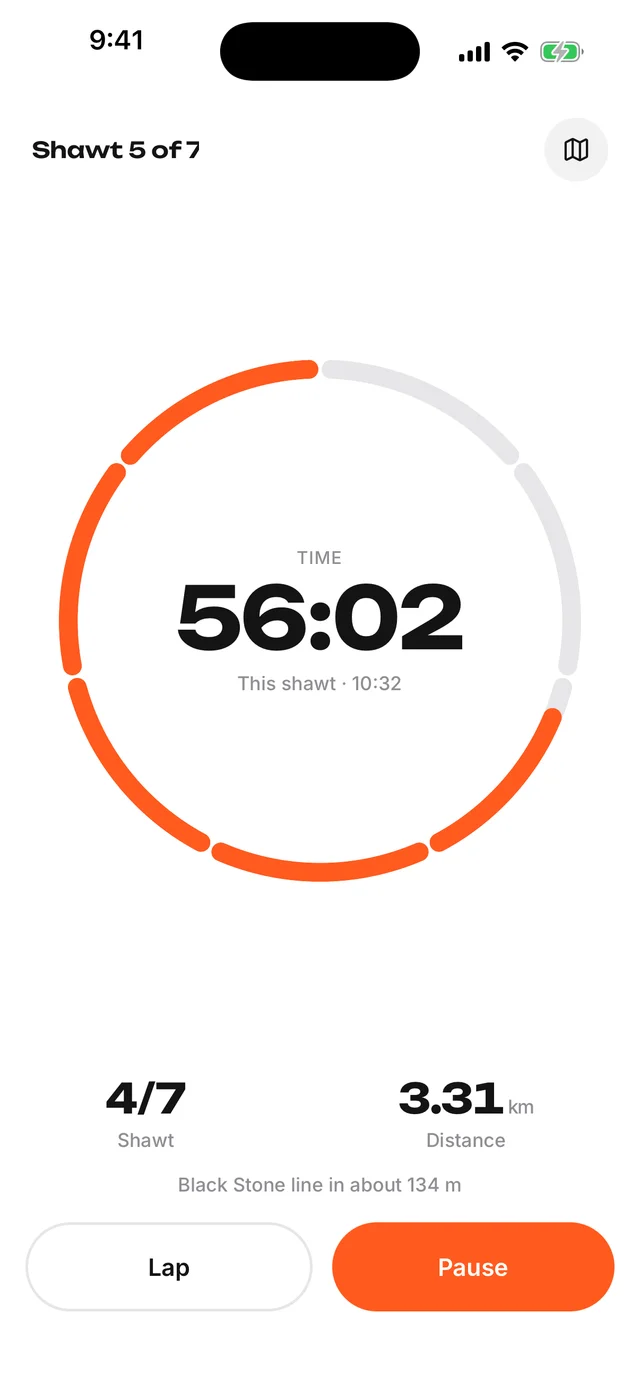

Tawaf counts your seven shawts around the Kaaba by GPS, times each one and draws your path. Free, with no ads.
Coming soon to the App Store and Google Play
Start right
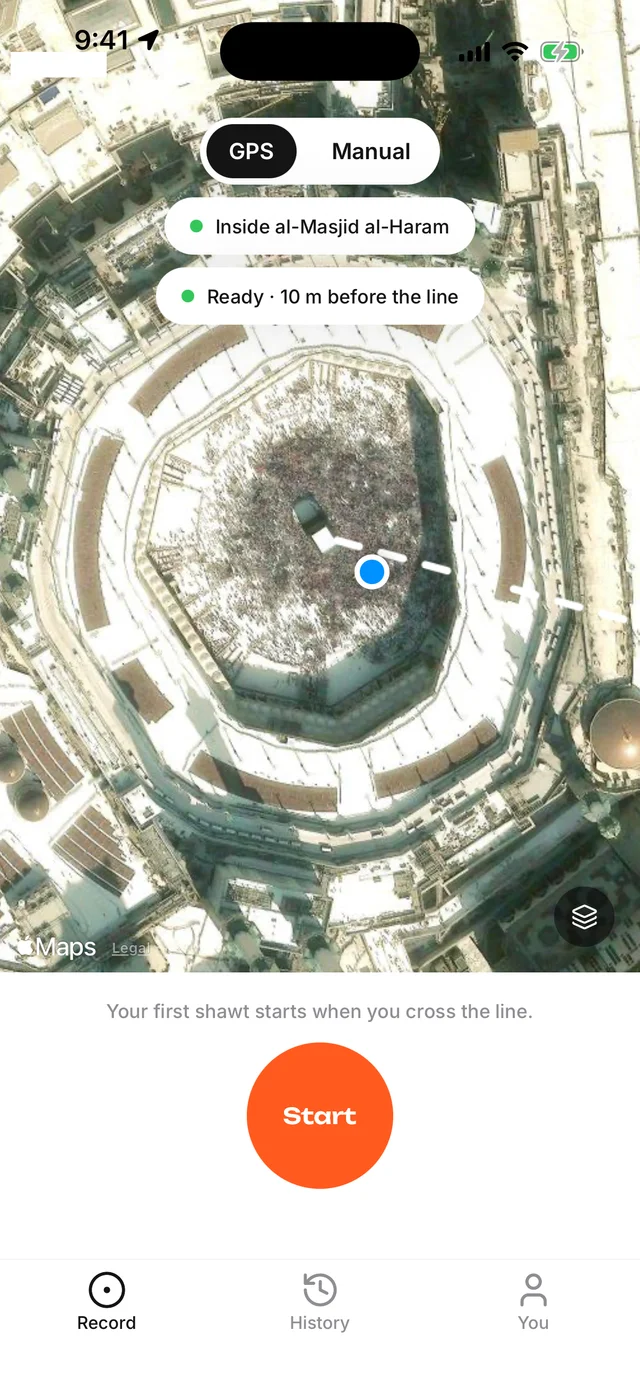
The first shawt begins at the line of al-Hajar al-Aswad, in line with the green light. Tawaf only lets you start a few steps before it, so the first round is never cut short.
If you are far away, the app shows how far you are from the line.
If you are on or past the line, it asks you to take a few steps back first.
Each time you cross the line, a shawt is closed and timed.
The seventh shawt completes only after you have crossed the line.
At a glance
A ring of seven, the total time, this shawt and how far the line is.
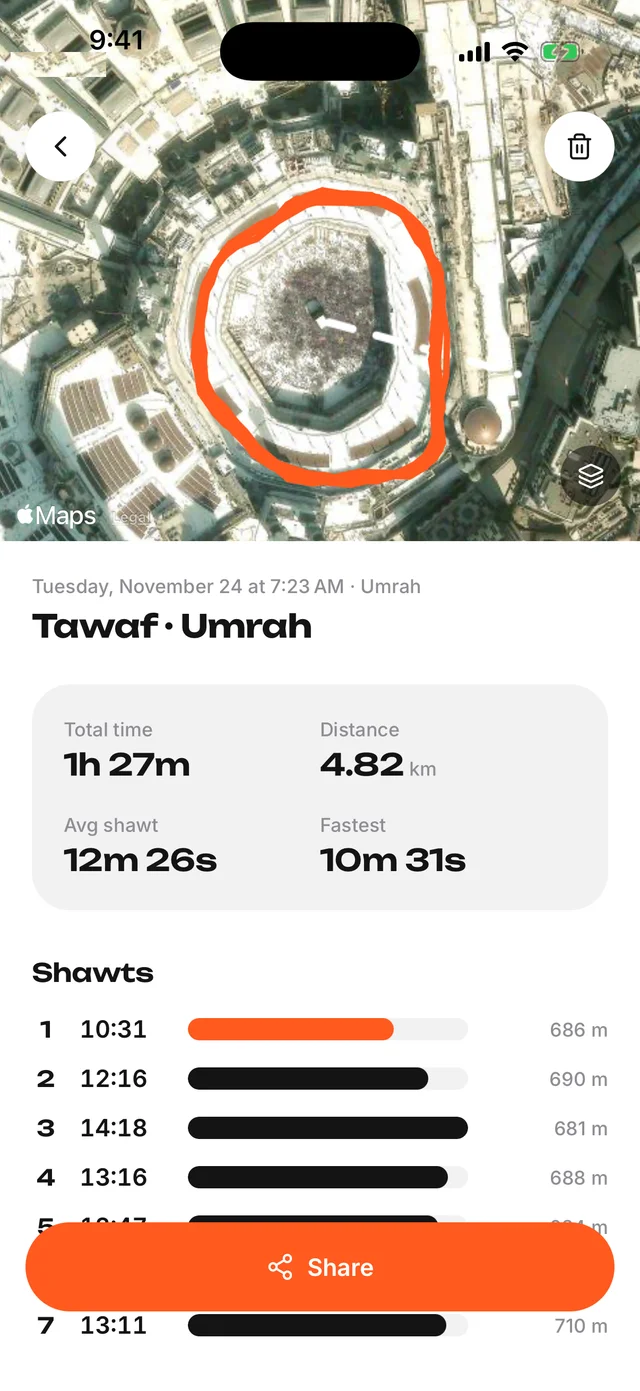
Your path around the Kaaba on a map of the Haram, with the time of each shawt.
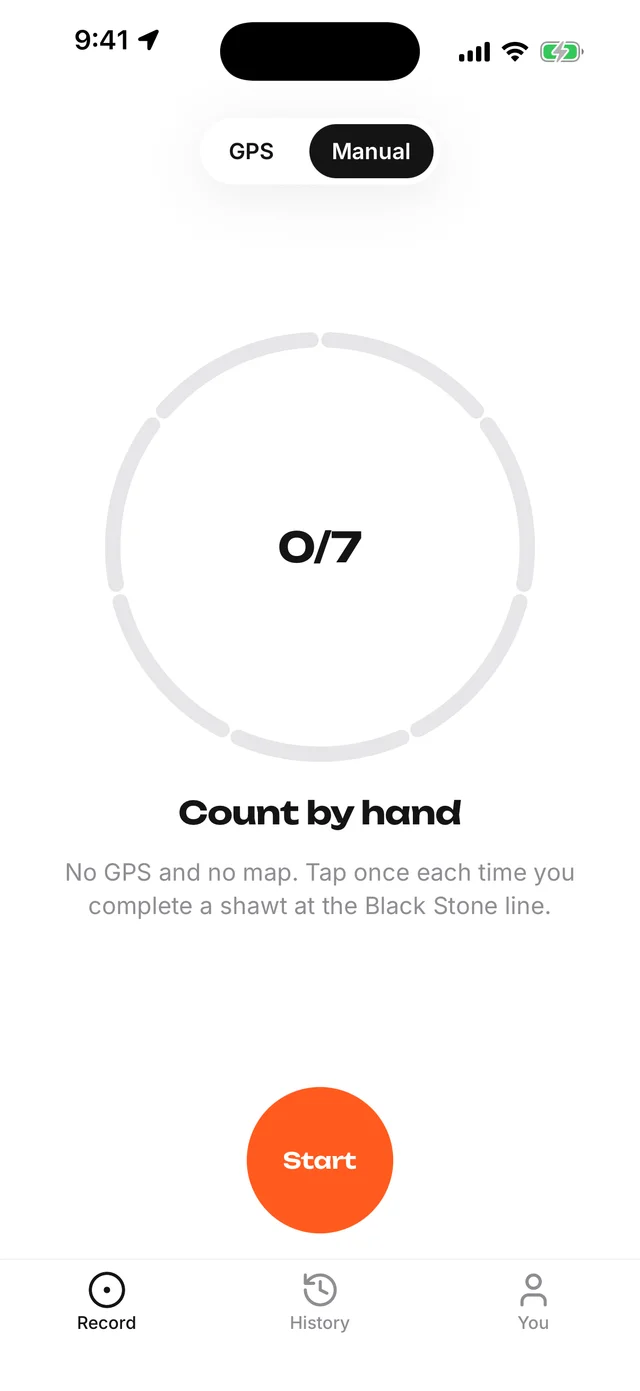
Weak GPS, or simply prefer it? Switch to Manual and tap once at the line after each shawt.
A short note explains how GPS works inside the mosque and what to keep in mind.
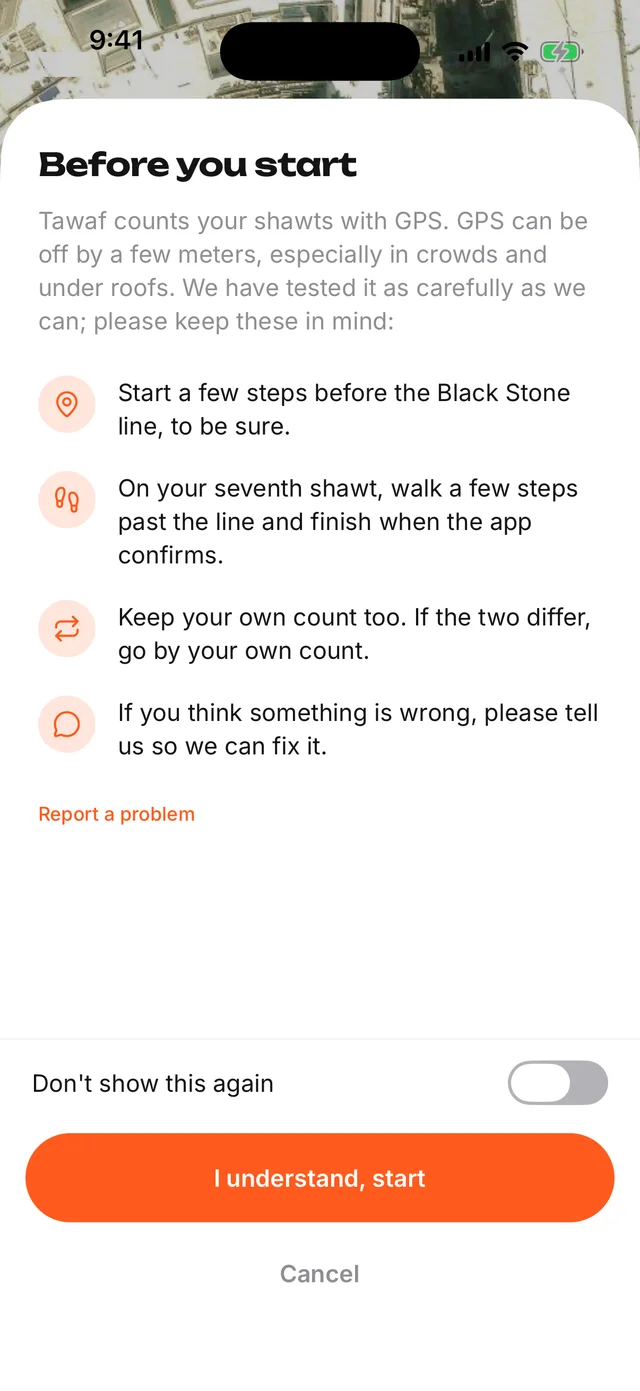
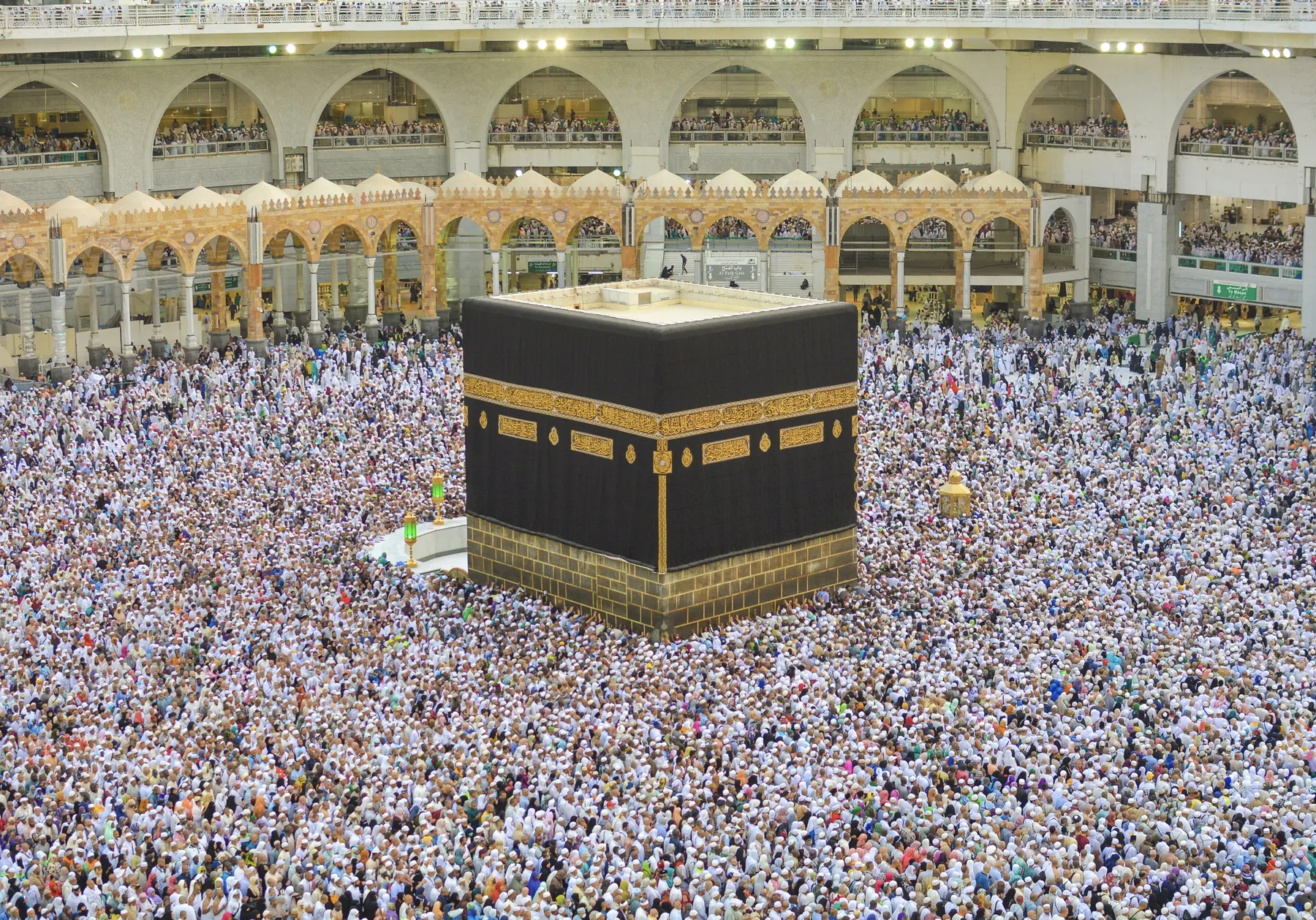
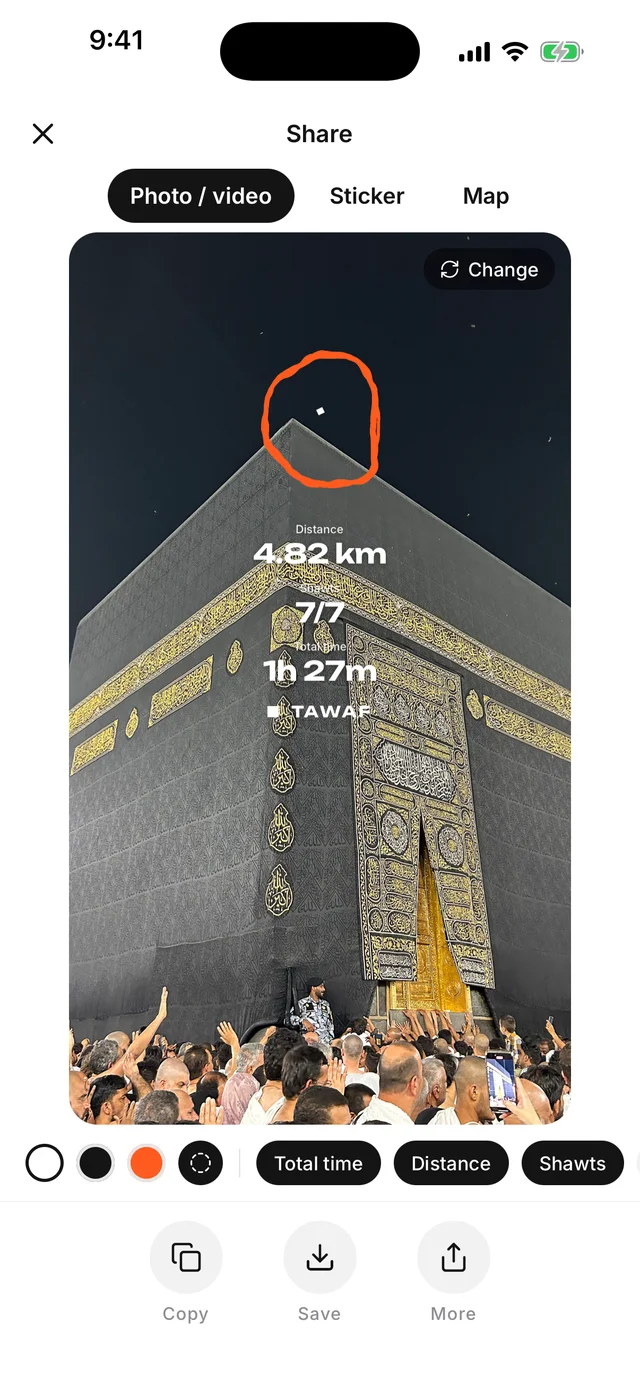
What you need during tawaf, and nothing else.
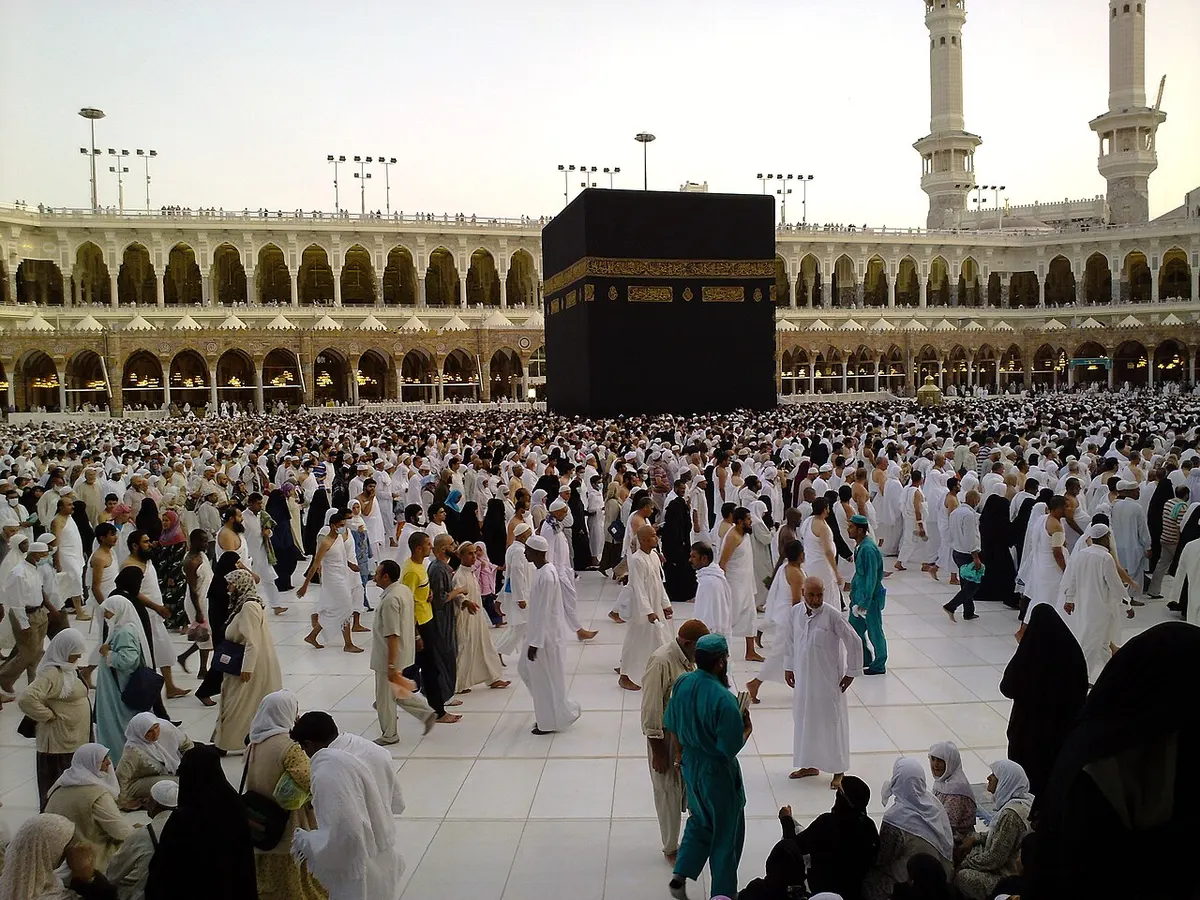
Please read
GPS inside al-Masjid al-Haram can be off by a few meters, especially under roofs, near pillars and in dense crowds. Tawaf is a helper, not a replacement for your own counting.
Start a few steps before the Black Stone line, to be sure.
On your seventh shawt, walk a few steps past the line and finish when the app confirms.
If the app and your own count differ, go by your own count.
If you think something is wrong, please tell us so we can fix it.
Tawaf uses your phone's GPS and ignores jumps that are impossible at walking speed. A shawt closes only after you cross the line, never before, and the last one needs a few extra steps past it. GPS can still miss a round, especially under roofs. You can then close it yourself with the Lap button, or use Manual mode.
Yes. The map shows the mataf, the upper floors and the roof. On the roof the circuit is much longer, and the open sky usually gives a better GPS signal than the covered arcades.
No. Tawaf works offline inside the mosque. Your tawafs are saved on your phone first. If you have an account, they are backed up when you are online.
No. Tawaf only counts and times your shawts. For questions about the rulings of tawaf, please ask a scholar.
No. You can use Tawaf without signing in. If you sign in with Apple or Google, your tawafs are backed up and you can keep them on a new phone.
Yes. No ads, no subscriptions and no in-app purchases.
English, Turkish and Arabic.
In the app, go to You → Settings → Delete account and data. You can also ask us by email; see account deletion.
Why we built it
In the crowd around the Kaaba, it is easy to lose count.
Tawaf keeps count for you, so your heart can stay with your dua.
This app serves the guests of Allah at His House, so every mistake matters to us. If a count looks wrong, please tell us.
Write to us